Billing vs Accounting Software: Which Tool Fits Your Small Business?
A practical guide to choosing the right software for invoicing and bookkeeping, with clear steps and cost considerations.
Why the distinction matters
Most small-business owners treat “billing” and “accounting” as the same thing, but the two types of software solve different problems.
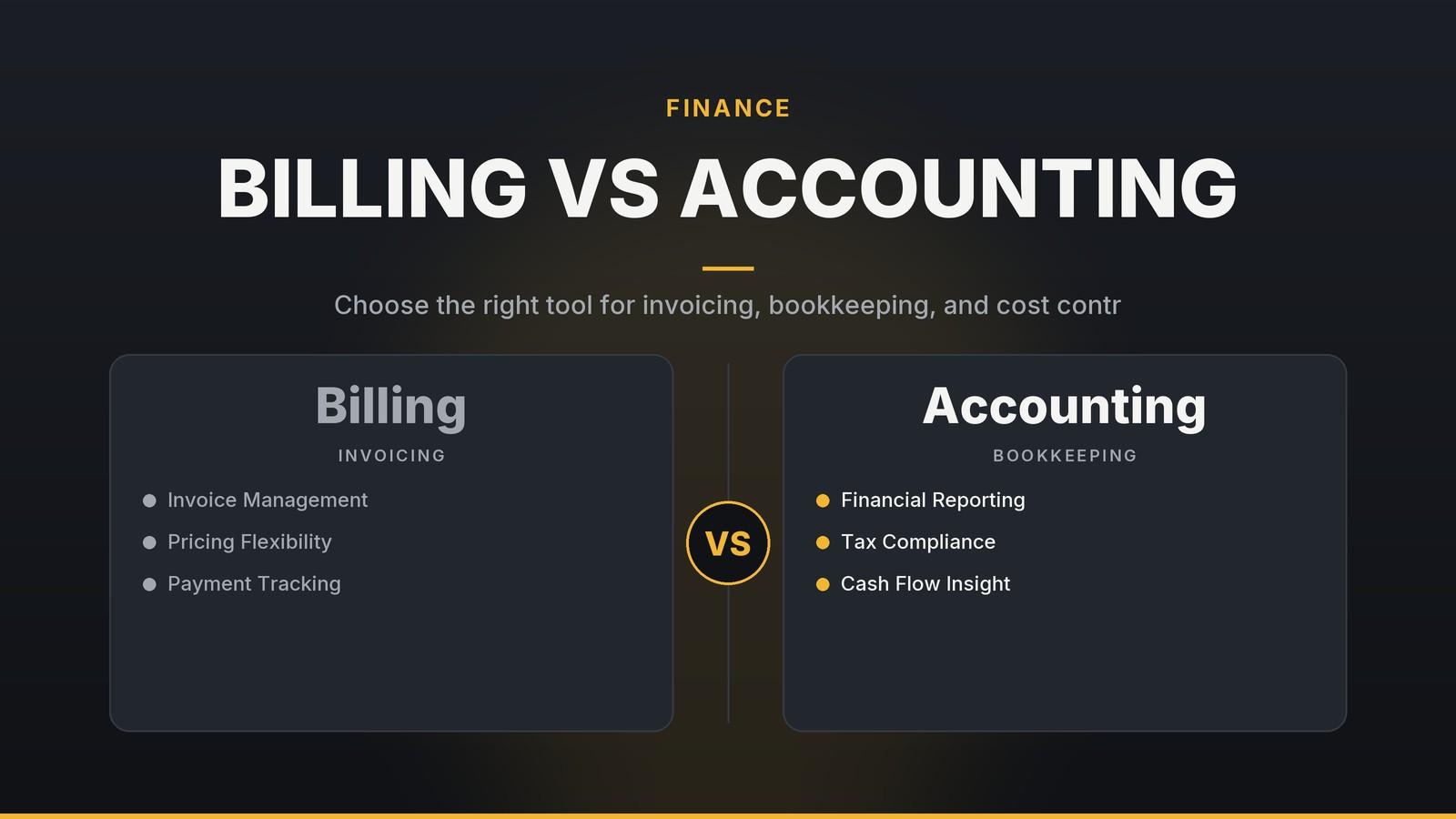
- Billing software focuses on creating, sending, and tracking invoices or receipts. Typical functions include custom invoice templates, embedded payment links, and automated reminders.
- Accounting software records every financial transaction—sales, purchases, payroll, taxes—and produces reports such as profit-and-loss statements, balance sheets, and VAT/GST returns. It follows double-entry bookkeeping, meaning each entry has a matching debit and credit to keep the books balanced.
Choosing a tool that doesn’t match your workflow can lead to inefficiencies, such as entering the same data in two places or relying on manual follow-ups for unpaid invoices. Understanding the difference helps you select a solution that fits your current needs and avoids unnecessary complexity later.
Billing-only vs. accounting-only: a side-by-side look
| Aspect | Billing-only tools | Accounting-only tools |
|---|---|---|
| Primary purpose | Generate and collect payments | Record, classify, and report all financial activity |
| Typical features | Invoice templates, payment-gateway links, reminder automation, basic expense tagging | Bank feeds, double-entry ledger, multi-currency handling, payroll, tax-report generation |
| Data entry load | One entry per sale (the invoice) | One entry per transaction (sales, purchases, payroll, etc.) |
| Reporting depth | Simple sales summary, outstanding balances | Full profit-and-loss, cash-flow, balance sheet, tax filings |
| Integration need | Often paired with a POS or e-commerce platform | Frequently integrates with a billing tool to avoid double entry |
| Ideal for | Single-revenue-stream businesses, freelancers, very small shops | Multi-revenue businesses, those with inventory, payroll, or statutory reporting requirements |
| Typical cost (illustrative, varies by region) | Free tier or low-cost plans | Free trial then paid plans; costs rise with features or users |
Free-tier limitations to watch
Always verify current limits on the vendor’s website, as these terms change frequently. The table below highlights common restrictions found in public documentation, but you should confirm specific caps (like invoice counts or user limits) for your region and current year.
| Vendor | Common Free Tier Restrictions | Notable Limitations |
|---|---|---|
| Square Invoices | Often offers unlimited invoices on the free tier | Custom branding and advanced features are typically reserved for paid plans |
| Zoho Invoice | Free tier usually has strict monthly caps on invoices and contacts | Advanced automation and higher limits require a paid subscription |
| Wave (accounting) | Unlimited invoices and contacts on the free plan | Does not include payroll; bank-feed availability varies by country and bank |
| QuickBooks Online | 30-day trial with full access | After the trial, a paid plan is required; specific integrations may require higher-tier subscriptions |
When you compare tools, look at the limits that matter most for your business (number of invoices, contacts, users, or required integrations) and decide whether the free tier can support your current volume.
When to use billing software alone
A billing-only solution works best when the business has a single revenue stream, few expense categories, and minimal statutory reporting. Below are three common scenarios and the features that matter most.
| Typical situation | Core features you’ll use | Example tools |
|---|---|---|
| Freelance designer invoicing per project | Custom invoice templates, online payment links, recurring invoices for retainers | FreshBooks (simple UI, good for creatives) |
| Small café that sells coffee and pastries only | Quick invoice creation for catering orders, receipt printing, basic expense logging for supplies | Square Invoices (integrates with POS) |
| One-person consulting service | Time-tracking add-on, automatic reminders, simple expense capture | Zoho Invoice (low-cost, easy to scale) |
What to look for
- Template library – Can you add your logo, choose colours, and include required tax fields?
- Payment gateway support – Does the tool work with the cards or local payment methods your customers prefer?
- Reminder automation – Can you set the timing (e.g., 7 days, 14 days) and customise the message?
If those three capabilities cover your workflow, a billing tool can keep costs low and the learning curve short.
When accounting software becomes essential
When your operation expands beyond a single cash register, you’ll need the broader capabilities of accounting software. Indicators that an upgrade is worth the investment include:
- Multiple revenue streams – sales in-store, online, and wholesale.
- Payroll – regular staff wages, overtime, statutory contributions.
- Inventory tracking – you need to know the cost of goods sold and avoid stockouts.
- Statutory reporting – filing VAT, GST, sales-tax or other returns that must reconcile with sales data.
| Feature | Why it matters | Example tools |
|---|---|---|
| Double-entry bookkeeping | Prevents hidden errors by ensuring every debit has a matching credit | Xero (cloud-first, strong bank-feed support) |
| Bank feeds & reconciliation | Auto-import of transactions reduces manual entry and mismatches | QuickBooks Online (widely used in various sectors) |
| Financial statements | Profit-and-loss, balance sheet, cash-flow reports support strategic decisions | Sage Business Cloud (good for service firms) |
| Tax modules | Generate filing-ready VAT/GST reports, reducing manual calculation | Zoho Books (affordable for many emerging markets) |
Real-world snapshots (illustrative only)
- Boutique retailer – A clothing shop that sells in-store, on Shopify, and to a few wholesale clients uses Xero to pull sales data from each channel. The inventory list helps the owner spot low-stock items, and the VAT report pulls directly from sales.
- Small clinic – A dental practice records patient payments, supplier invoices, and staff payroll in QuickBooks. The system can handle mixed payment types (cash, card, insurance) and generate a summary report that matches the format required by the local tax authority.
- Logistics firm – A regional courier service logs fuel expenses, vehicle depreciation, and client invoices in Sage, giving the owner a clear view of profit margins per route.
If any of these situations resemble your business, it’s time to move beyond invoicing and adopt an accounting platform.
Hybrid approach: combining billing and accounting
Many businesses start with a billing tool and later add accounting capabilities. The key is to choose solutions that integrate so you avoid double entry. Below are common pairings, plus a few alternative integrations that may suit different markets.
| Combination | How it works | Integration checkpoints |
|---|---|---|
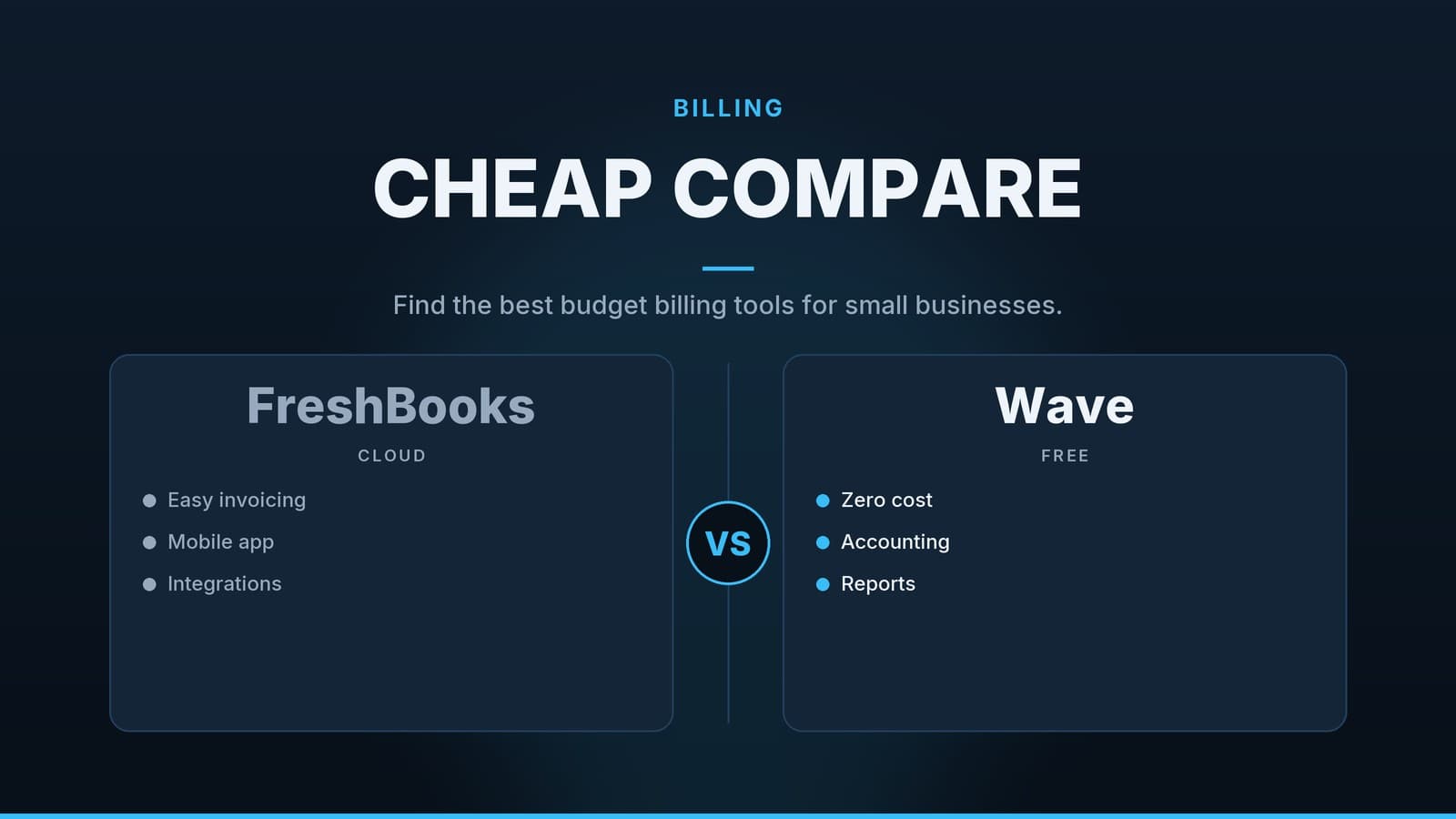
| FreshBooks + Wave | FreshBooks generates client invoices; export a CSV each month and import into Wave for bookkeeping | Does FreshBooks provide a one-click CSV export? Does Wave accept that format? |
| Square + Xero | Square records point-of-sale payments; Xero pulls the sales feed nightly via the Xero app marketplace | Enable Square’s “auto-sync” in Xero; verify that tax codes match |
| Zoho Invoice + Zoho Books | Same vendor, seamless upgrade from invoicing to full accounting | Upgrade the plan before the trial ends to keep data continuity |
| Stripe + Xero | Stripe processes online card payments; Xero imports each transaction through the Stripe connector | Confirm that Stripe’s settlement dates align with Xero’s bank-feed schedule |
| PayPal + QuickBooks Online | PayPal receives payments; QuickBooks imports them via the built-in PayPal integration | Check that currency conversion settings are consistent in both systems |
Steps to a smooth hybrid rollout
- Pick the billing tool that matches your current workflow.
- Map the data fields you need to transfer (invoice number, date, amount, tax code, client ID).
- Run a test export with a handful of invoices; verify that totals and tax codes are preserved.
- Enable the integration (most platforms offer a “one-click sync” once you authorise the connection).
- Monitor for a month – if the data matches and no duplicate entries appear, you can stop manual entry in the accounting system.
For a step-by-step decision process, see the article Choosing the Right Billing Software for Your Indian Café, which walks through a similar evaluation.
Cost considerations and budgeting
Pricing varies by region, plan tier, and any promotional offers, so treat the numbers below as illustrative examples. Always check the vendor’s website for the latest rates.
| Tool type | Free tier features | Example paid tier (per month) | Typical add-ons | Potential hidden costs |
|---|---|---|---|---|
| Billing only | Limited invoices or basic POS integration (e.g., Square Invoices) | Pricing varies; check vendor site for current rates | Payment-gateway fees (typically 2–3% per transaction) | Extra users, premium templates, higher-volume transaction fees |
| Accounting | 14-day free trial, limited users | Pricing varies; check vendor site for current rates | Payroll module (cost varies), advanced inventory (cost varies) | Bank-feed fees for some banks, API access charges, priority support |
| Hybrid bundles | Rare, but some vendors bundle invoicing + bookkeeping | Pricing varies; check vendor site for current rates | Multi-currency support, automated tax filing | Currency conversion fees, third-party app subscriptions |
Practical budgeting steps
- Estimate transaction volume – Count the number of invoices you expect each month. If you process 200 invoices, a plan that caps at 50 will quickly become costly.
- Identify required add-ons – Payroll, inventory, or multi-currency support are usually optional. Add them only when the need is confirmed.
- Check per-user pricing – Some accounting platforms charge per user, while others offer unlimited users at a higher tier. Compare the total cost for your team size.
- Factor in gateway fees – Even a “free” billing tool may charge 2–3% per card transaction; include this in your cash-flow forecast.
For South African owners, the article Best accounting software for small business south africa outlines local pricing nuances, such as VAT-compliant invoicing and integration with South African banks.
Implementation checklist
- List all financial processes you need (invoicing, payroll, inventory, tax filing, expense tracking).
- Match each process to software features using the tables above.
- Sign up for free trials of at least two candidates; run them side-by-side for a week with dummy data.
- Verify data migration paths – ensure the tool can export CSV/Excel or offers an API for historic invoices.
- Test the integration – run a small batch of invoices through the billing tool and confirm they appear correctly in the accounting system.
- Train staff – allocate 1–2 hours per person for a walkthrough; record a short video tutorial for future hires.
- Monitor the first month – check that invoices are being paid on schedule, bank reconciliations are completing within a reasonable time, and tax reports pull the expected totals.
If at least two of those three checks are positive, the new system is likely delivering the expected benefits.
Additional resources
- Comparison guides – HeyGrowin’s library includes side-by-side tables for many billing and accounting platforms, updated quarterly.
- Integration tutorials – Step-by-step videos show how to connect Stripe to Xero, PayPal to QuickBooks, and other common pairings.
- Community forum – Small-business owners share real-world experiences, pricing updates, and tips for avoiding hidden fees.
These resources can help you make an informed decision without relying on marketing claims.
Frequently asked questions
Can I use a free billing tool and still meet tax obligations?
Yes, if the tool records all sales and can export data for tax filing. However, you may need a separate accounting system for detailed reports.
Do I need separate software for payroll?
Many accounting platforms include payroll modules, but if you use a dedicated payroll service, ensure it can sync with your accounting data.