Use Claude to Automate Customer Support in 5 Practical Steps
A step‑by‑step guide for small business owners to set up Claude for customer support without technical jargon.
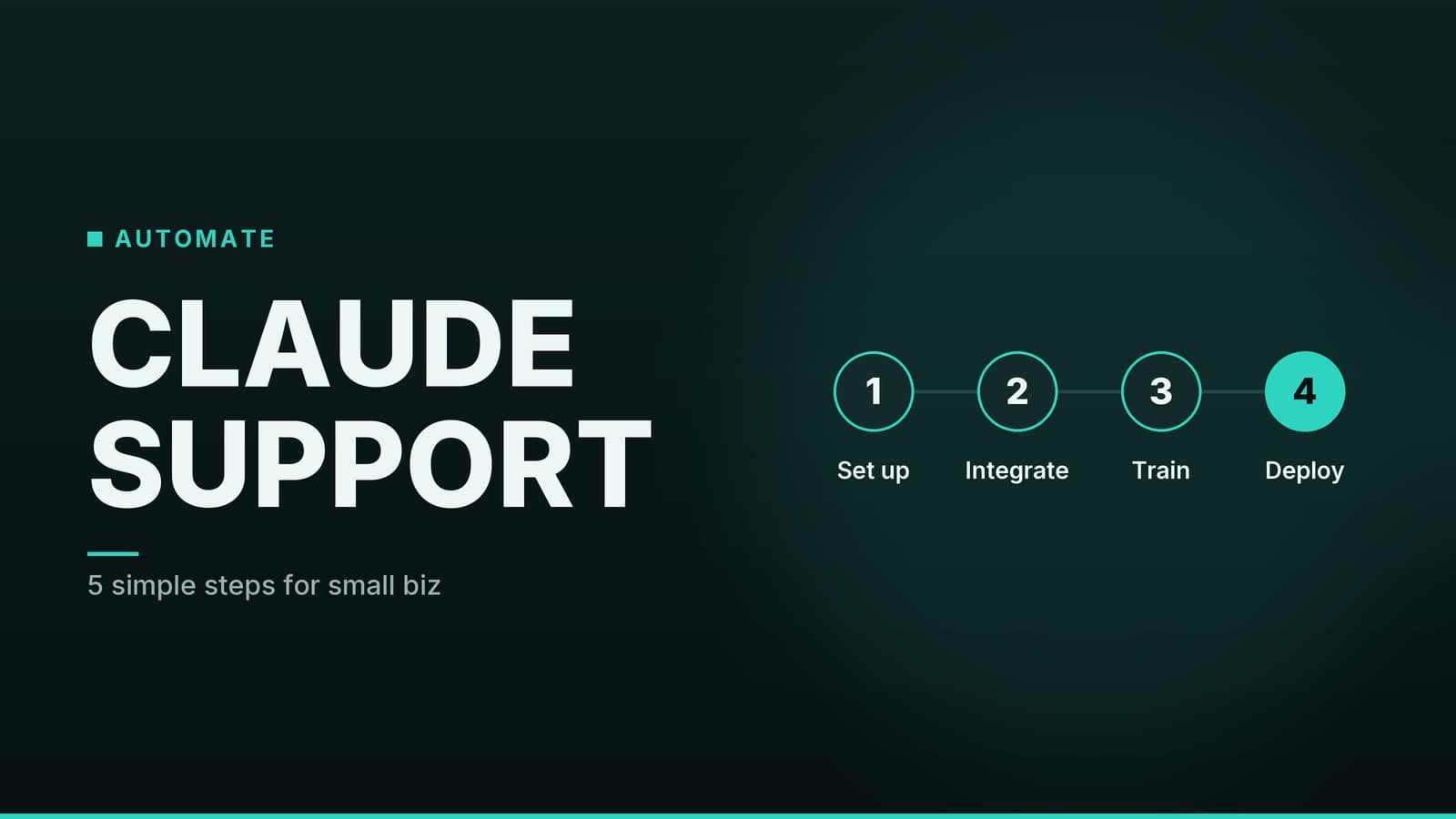
Step 1 – Define the Support Scope
What you need to decide before you press “launch”
| Decision | Why it matters | Quick tip for a shop | Quick tip for a clinic |
|---|---|---|---|
| Top‑frequency questions | The bot can only answer what you teach it. | “Do you have size M in the blue shirt?” | “What are your opening hours on Saturdays?” |
| Channels to cover | Each platform (website chat, email, Facebook Messenger, WhatsApp) needs its own connector. | Consider a website chat widget – it’s a common starting point for many small businesses. | WhatsApp is a popular channel for clinics; check whether your patients use it. |
| FAQ source | A concise FAQ becomes the training data for the model. | Write a 5‑question list: store hours, returns policy, stock check, gift‑card balance, delivery zones. | List: appointment types, insurance accepted, prep instructions, after‑care, cancellation policy. |
- Gather the data – Pull the last month of customer emails, chat logs, or front‑desk notes. Highlight the 5‑10 questions that appear most often.
- Write a short FAQ – Keep each answer under 2‑3 sentences.
- Pick your launch channels – If you’re unsure, start with the channel that already drives the most traffic (often the website chat widget). You can add more later.
Need a template? Check out our “AI Chatbots for Customer Support: A Practical Beginner's Guide” for a ready‑made FAQ worksheet.
Step 2 – Sign Up for Claude for Small Business
Anthropic offers a Claude for Small Business tier. Pricing varies, so consult Anthropic’s pricing page for the latest details. Most plans charge per user per month and include a set number of API calls.
How to get started
| Action | Details |
|---|---|
| Visit Anthropic’s website | Look for the “Small Business” offering on the pricing page. |
| Create an account | Use a business email (e.g., info@yourshop.com) so you can add team members later. |
| Add reviewers | Invite at least one staff member who will regularly check the bot’s replies – a manager, front‑desk receptionist, or a tech‑savvy associate. |
| Confirm plan limits | Verify how many “tokens” (the unit the model uses for processing) are included and what overage fees look like. |
If you already have a Claude Enterprise account, contact Anthropic support for options that fit your current setup.
Step 3 – Build the Conversation Flow
Claude’s interface includes a prompt‑engineering console where you can script the bot’s behavior. Think of it as a recipe: you give Claude a “system prompt” that tells it how to act, then you test with real‑world questions.
3.1 Draft a welcome message
You are a friendly assistant for [Your Business Name]. Greet customers, ask how you can help, and keep answers brief (max 2 sentences). If you don’t know the answer, say “I’m not sure, let me connect you with a human.”
Example for a café: “Hi! I’m CaféBot. Need today’s specials, a table reservation, or info on our vegan pastries?”
Example for a physiotherapy clinic: “Hello! I’m your virtual assistant. I can help you book a session, check insurance coverage, or give you general wellness tips.”
3.2 Add sample Q&A
| Sample Customer Query | Suggested Reply |
|---|---|
| “What time do you open on Sundays?” | “We open at 9 am on Sundays and close at 5 pm.” |
| “Is the red dress still in stock?” | “Let me check… Yes, the red dress (size M) is available. Would you like to reserve it?” |
| “Can I see a dentist on Friday?” | “Our dentist is available at 10 am and 2 pm on Friday. Which slot works for you?” |
| “I need a refund for my order #1234.” | “I’m sorry to hear that. Please share the reason for the refund, and I’ll start the process.” |
Test each pair by typing the query into Claude’s console. If the answer feels stiff or too long, rewrite the system prompt or the example reply until it sounds natural.
3.3 Build fallback logic
No bot is perfect. Add a rule such as:
If the confidence score is below 70 % or the user asks “talk to a human,” transfer the chat to a live agent.
Many integration platforms support routing to ticketing systems; check the documentation for your chosen platform.
Step
Frequently asked questions
Do I need a developer to set up Claude?
No, the setup uses a visual interface and pre‑built integrations; a non‑technical owner can complete the steps with a few hours of learning.
What happens if the bot can’t answer a question?
You can configure a fallback that forwards the chat to a human agent or sends a ticket to your support system.